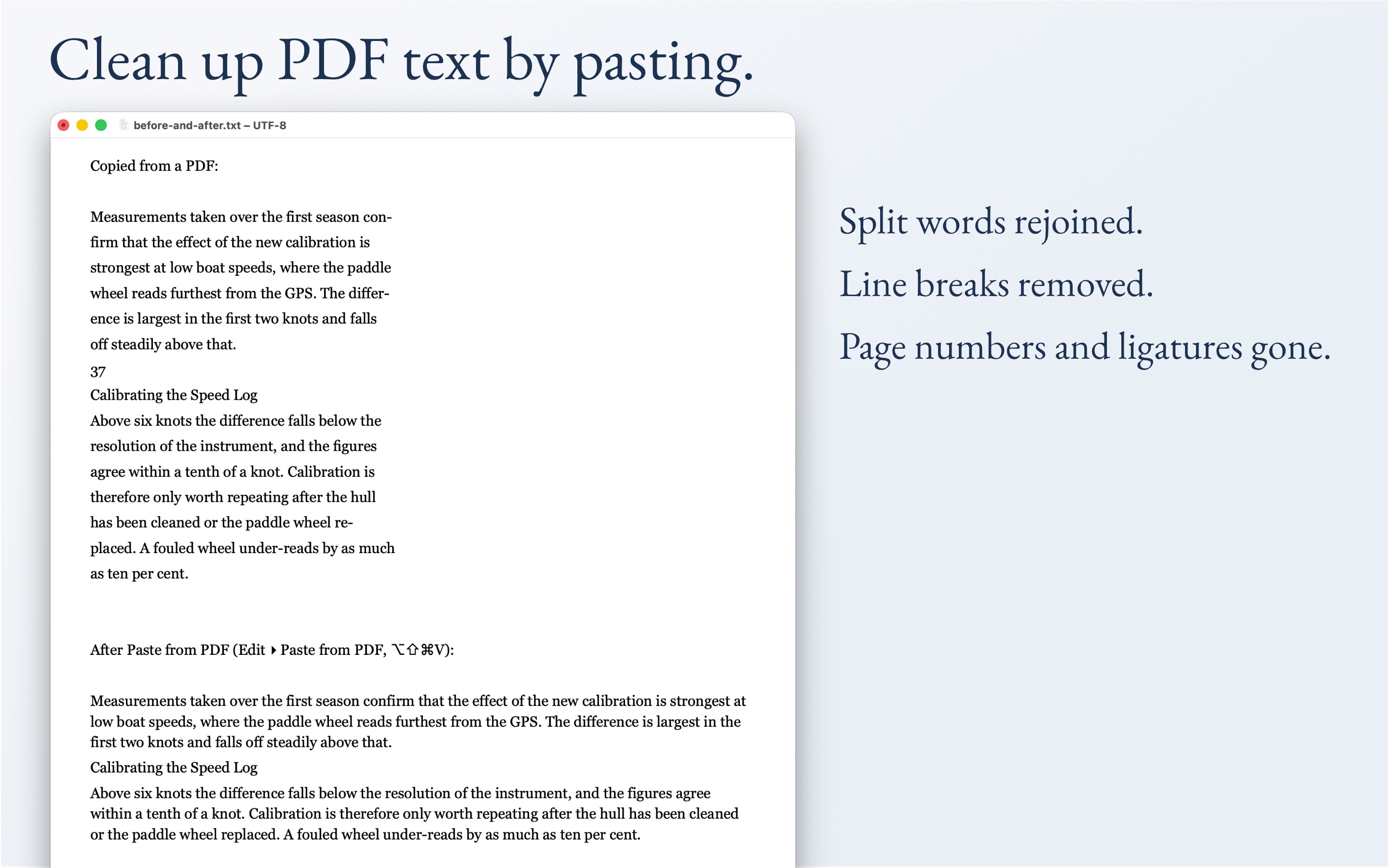
Text copied out of a PDF arrives broken: a line break at the end of every line, words split by hyphens, page numbers stranded in the middle of sentences, ligatures that make search fail. KlarText puts it right in one step. Copy from the PDF, paste with ⌥⇧⌘V, and it lands as clean, flowing paragraphs — split words rejoined, line breaks removed, page numbers and ligatures gone, section titles and lists left standing. Free for 14 days on the Mac App Store.
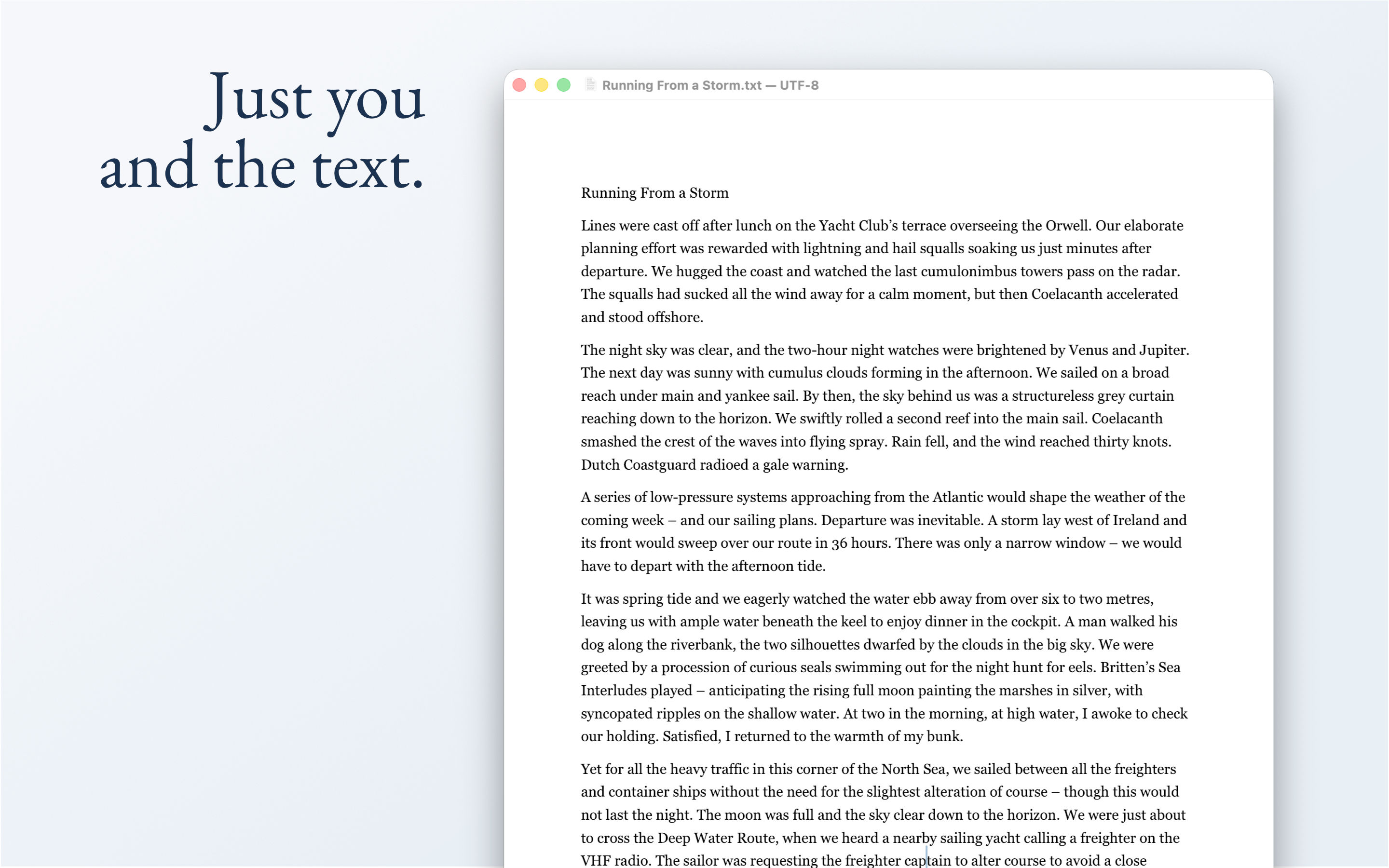
Around that sits a plain text editor built on one premise: plain text is the only format with genuine longevity. A .txt file written fifty years ago opens today, without conversion, without a subscription, without the original software.
Core Philosophy
The application adheres to one fundamental principle: features must be essential to writing and editing, or they don't exist in KlarText. This means no syntax highlighting, plugins, AI features, or other distractions — just a focused writing environment.
Key Capabilities
The editor includes several standout tools:
- Paste and Reflow intelligently handles text from various sources, rejoining hard-wrapped lines while preserving lists and code blocks
- Paste from PDF repairs text copied out of a PDF — words split across line breaks are rejoined, page numbers and running heads dropped, ligatures and soft hyphens turned back into plain letters — while section titles and lists stay where they belong
- Clean Up PDF Text anywhere — the same repair as a macOS Service, so it works on selected text in Preview, Safari or Mail without opening the editor at all; switch it on once under System Settings ▸ Keyboard ▸ Keyboard Shortcuts ▸ Services
- Join List as Prose converts bullet points into flowing paragraphs with proper capitalization and punctuation
- Focus Mode strips away interface elements for distraction-free writing
- New from Clipboard opens whatever you last copied as a fresh document, with no save dialog in the way
- Typewriter Scrolling keeps the cursor vertically centred for a calm, focused writing experience
Editing Tools
- Move and Duplicate Lines — rearrange or duplicate lines with keyboard shortcuts
- Sort Lines and Remove Duplicates — text transforms for cleaning up lists, configs, and data
- Wrap at Column — hard-wrap text at 72, 80, 100, 120, or a custom column width
- Unwrap Paragraphs — the inverse (⇧⌘U): rejoin hard-wrapped lines already in the document, leaving lists and code blocks as they are
- Convert Indentation — switch a document between tabs and spaces, at your chosen tab width
- XML Tools — reindent, one element per line, minify, check well-formedness, and escape or unescape entities; multi-megabyte GPX tracks reformat without freezing the window
- Clean Up PDF Text — run the same PDF repair over text that is already in the document, with every pass individually switchable in Settings
- Insert File — drop the contents of another file in at the cursor
- Go to Line — jump straight to a line number
- Strip Trailing Whitespace — clean up invisible trailing spaces on demand or automatically on save
- Highlight Current Line — a subtle tint marks the line you're editing
- Highlight All Occurrences — select a word and every other occurrence in the document lights up
- Find in Open Documents — search across all open files at once, with results grouped by document
- Session Restore — optionally reopen all documents from the previous session on launch
Additional Features
KlarText also offers multi-document management with a sidebar, find & replace, line numbers, word count, show invisibles, auto-indent, spelling and grammar checking, and printing with Save as PDF. Text is set in your choice of proportional or monospace font, with adjustable line height and paragraph spacing, in a light or dark theme. Encoding is detected automatically — including a file's own declaration, whether an XML declaration or an HTML meta charset — and any document can be reopened with a different one; when a declaration and the bytes disagree, the status bar says so rather than quietly producing mojibake, and the file is never rewritten behind your back. If a file changes on disk underneath you, KlarText notices. Plain text of every stripe opens here, .gpx tracks and .nmea logs included. It's built as a native macOS application with zero dependencies.