What is Quay?
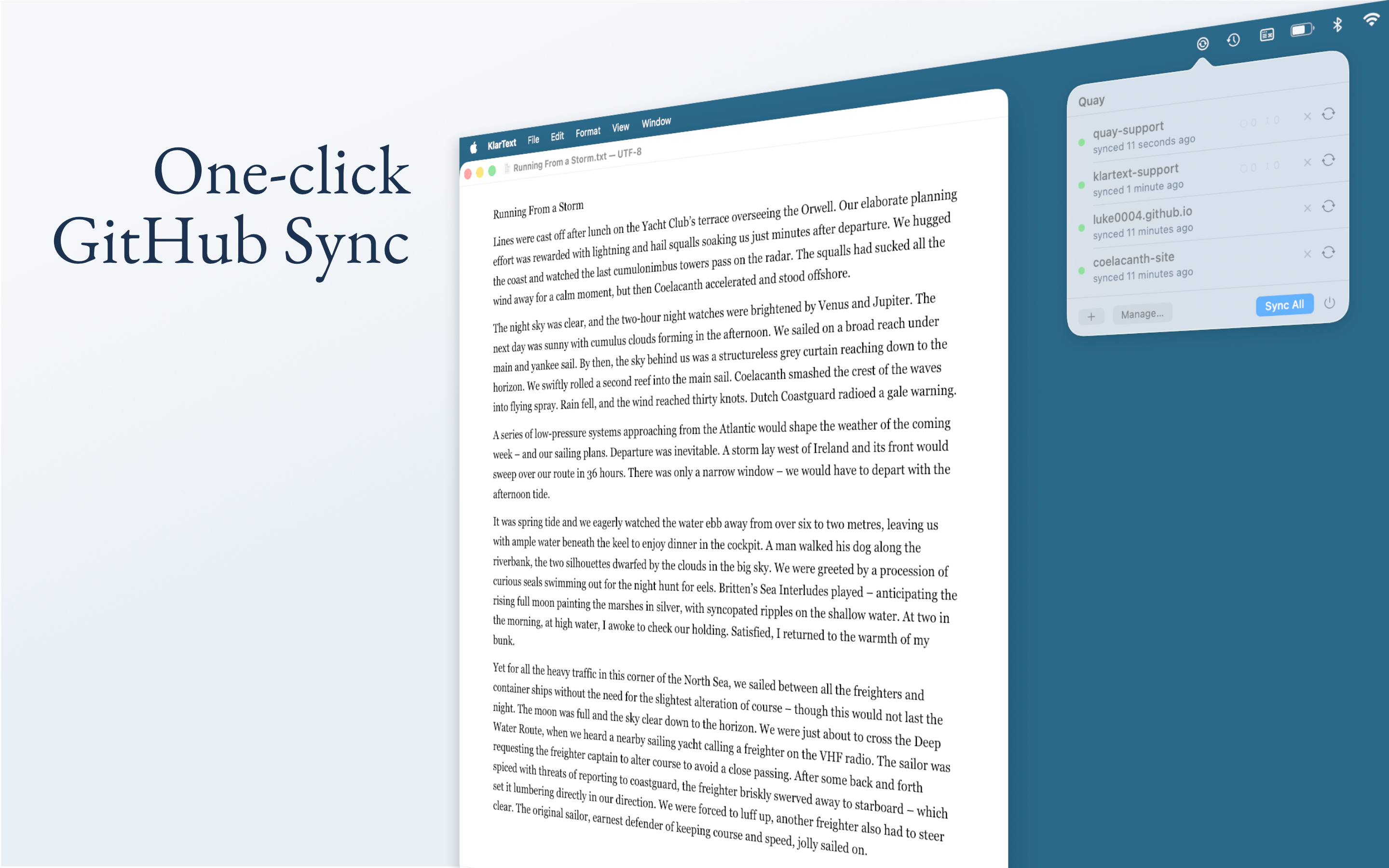
Quay is a macOS menu-bar app that keeps local folders in sync with GitHub repositories. Point it at a folder, connect a repo, and Quay handles staging, committing, pushing, and pulling with a single click — version control without the command line. Free 7-day trial, then €9 one-time purchase. Quay on App Store
Solutions
For example, Quay can sync your Obsidian vault to GitHub. Or your Hugo or Astro project folder, just click Sync after writing a new post or editing a template. Quay commits and pushes, Cloudflare, Netlify or Vercel pick it up, and the site is live.
Quay works with any folder that's backed by a Git repository. See the solutions page for step-by-step guides on syncing Obsidian vaults, deploying Hugo sites, and other workflows where Quay replaces the command line.
Under the hood
Quay is a thin layer on top of the local git binary. Each sync fetches from GitHub, fast-forward merges remote changes, stages local modifications, commits, and pushes. The repo on disk is a standard Git repo any other tool can work with.
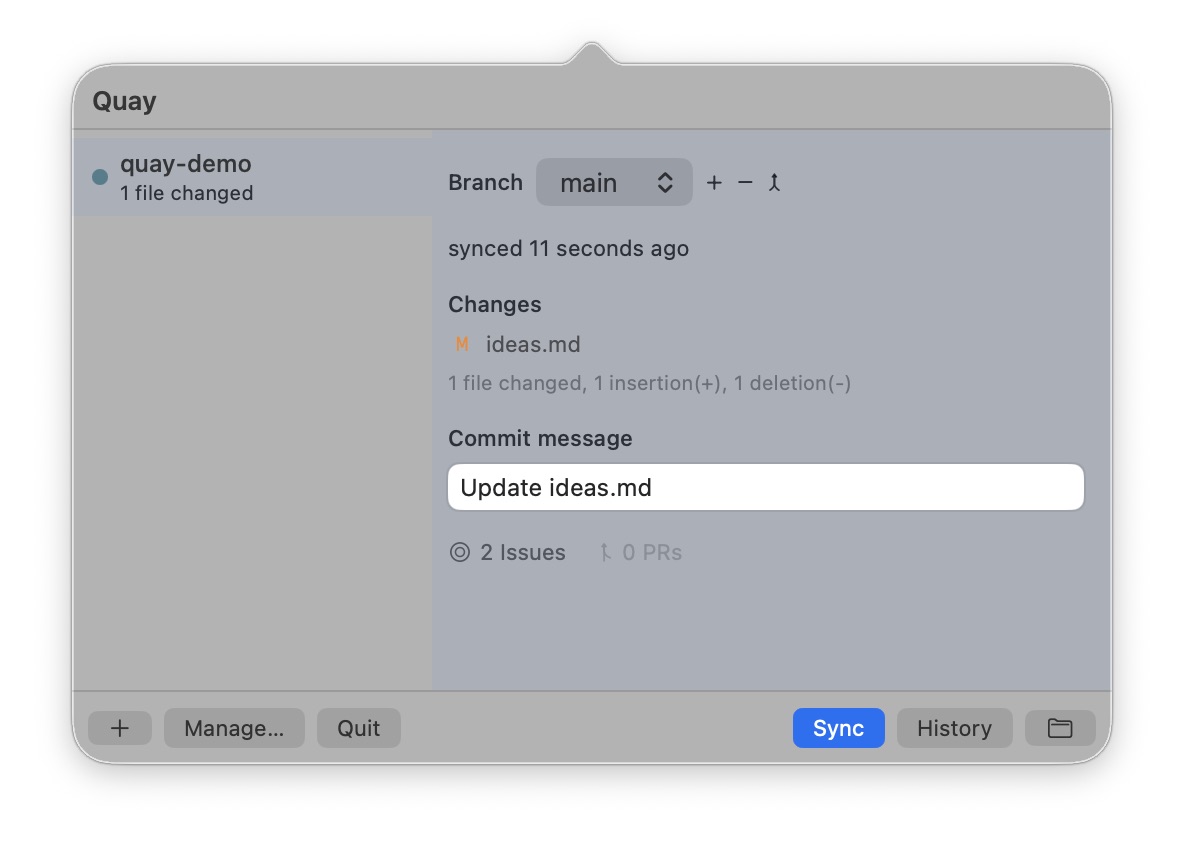
Authentication uses GitHub's OAuth device flow or a personal access token, stored in the app's sandboxed container and never sent anywhere except GitHub.
Conflicts
Quay only fast-forward merges — it never creates merge commits silently. If local and remote have diverged, Quay stops and lets you choose how to resolve it: merge, rebase, save your work to a fresh branch, or reset to the GitHub version. No work is lost without your explicit decision.
Safety checks
Before pushing, Quay blocks files over 50 MB and common secrets (.env, .pem, .key). If either check fails, the sync is aborted until the files are removed or added to .gitignore.
What Quay doesn't do
Quay is not a full Git client. It doesn't do diffs, blame, cherry-pick, or rebasing. It doesn't create repositories on GitHub — you do that first. It doesn't sync in the background — you click when you're ready. And it's macOS only.