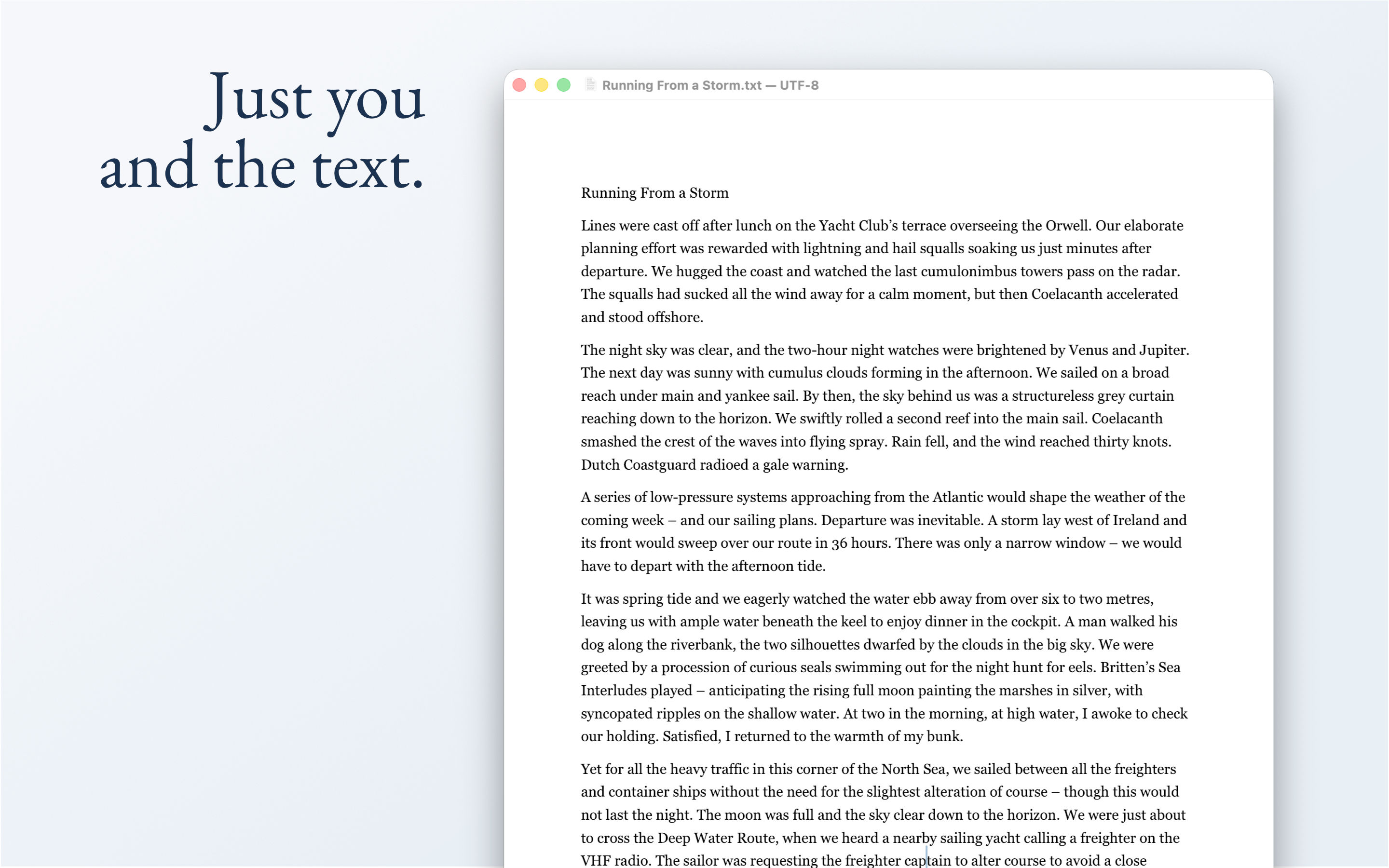
KlarText is a minimalist text editor designed around the principle that plain text is the only format with genuine longevity. A .txt file written fifty years ago opens today, without conversion, without a subscription, without the original software. KlarText on App Store
Core Philosophy
The application adheres to one fundamental principle: features must be essential to writing and editing, or they don't exist in KlarText. This means no syntax highlighting, plugins, AI features, or other distractions—just a focused writing environment.
Key Capabilities
The editor includes several standout tools:
- Paste and Reflow intelligently handles text from various sources, rejoining hard-wrapped lines while preserving lists and code blocks
- Join List as Prose converts bullet points into flowing paragraphs with proper capitalization and punctuation
- Focus Mode strips away interface elements for distraction-free writing
- Quick Open fuzzy-searches your recent and open documents so you can switch files instantly
- Typewriter Scrolling keeps the cursor vertically centred for a calm, focused writing experience
Editing Tools
- Move and Duplicate Lines — rearrange or duplicate lines with keyboard shortcuts
- Sort Lines and Remove Duplicates — text transforms for cleaning up lists, configs, and data
- Wrap at Column — hard-wrap text at 72, 80, 100, 120, or a custom column width
- Strip Trailing Whitespace — clean up invisible trailing spaces on demand or automatically on save
- Highlight Current Line — a subtle tint marks the line you're editing
- Highlight All Occurrences — select a word and every other occurrence in the document lights up
- Find in Open Documents — search across all open files at once, with results grouped by document
- Session Restore — optionally reopen all documents from the previous session on launch
Additional Features
KlarText also offers multi-document management with a sidebar, regex find & replace, line numbers, word count, show invisibles, automatic encoding detection, proportional and monospace fonts, and light/dark themes. It's built as a native macOS application with zero dependencies.
Download
KlarText is free to download with a 10-day trial. A one-time purchase of €9.99 unlocks the app permanently — no subscription.
Support
For questions, bug reports, or feature requests, please send an email.